For years, organisations have relied on VPNs, web proxies and traditional firewalls to provide secure remote access.
They’ve served us well, but they were built around a simple assumption:
If you’re on the network, you’re trusted.
Modern security doesn’t work like that.
Today, access decisions should be based on identity, device health, risk and continuous verification, not simply where you’re connecting from.
This is where Microsoft Global Secure Access (GSA) comes in.
What is Microsoft Global Secure Access?
Microsoft Global Secure Access is Microsoft’s Security Service Edge (SSE) platform, designed to modernise how users securely access applications, resources and the internet.
Rather than extending your corporate network through a traditional VPN, GSA brings together networking, identity and security into a cloud-native service that integrates closely with Microsoft Entra ID.
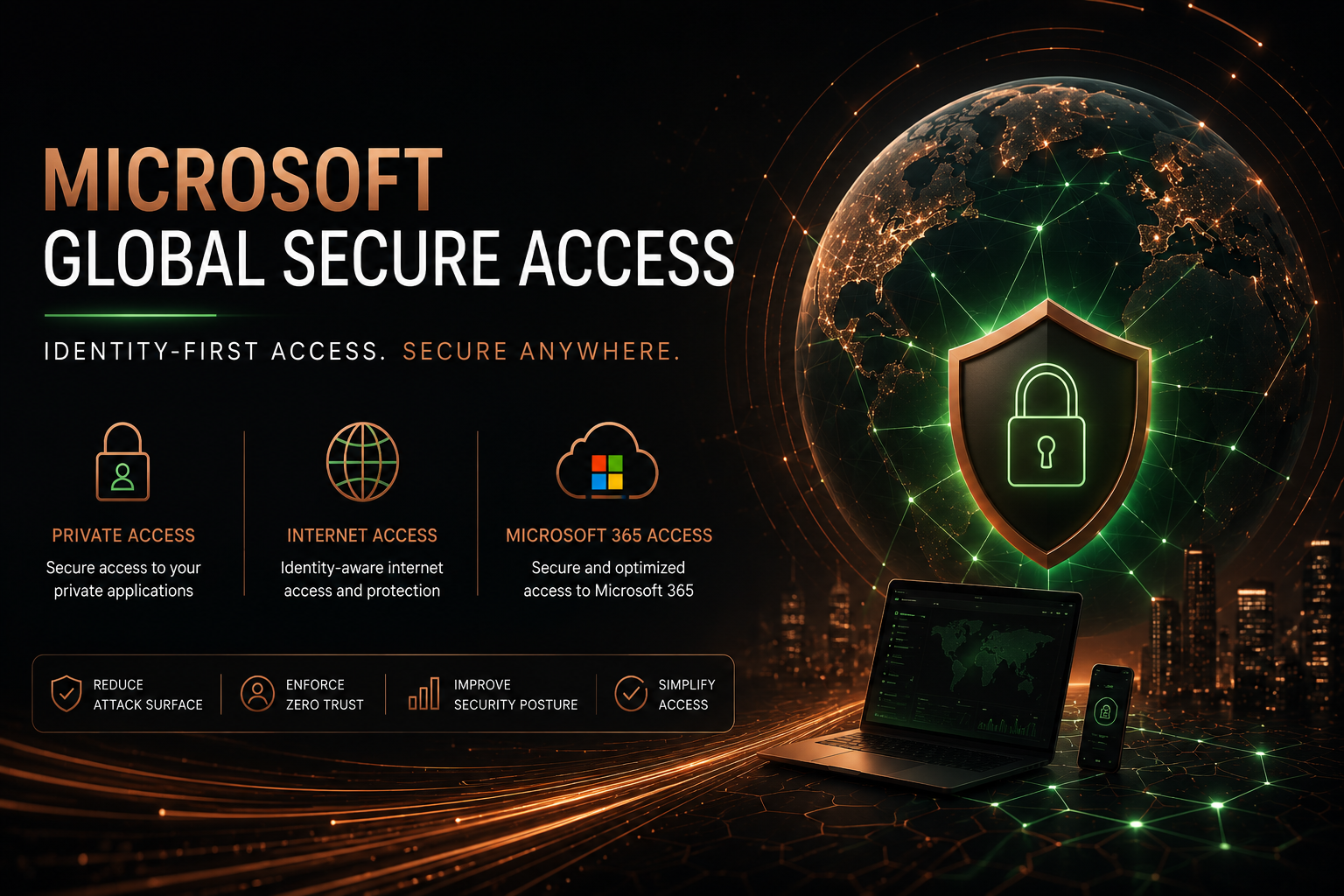
At a high level, GSA consists of three core capabilities.
Private Access
Private Access is Microsoft’s modern approach to replacing traditional VPN technologies.
Instead of providing broad network-level connectivity, Private Access allows organisations to securely publish only the applications and services users actually require.
Rather than trusting the network, access decisions become identity and device aware.
Typical use cases include:
- Replacing Microsoft Always On VPN
- Replacing traditional remote access VPNs
- Publishing internal web applications
- Secure access to file servers and legacy applications
- Hybrid environments without exposing inbound ports
- Access to management services from authorised devices
Internet Access
Internet Access acts as Microsoft’s Secure Web Gateway (SWG).
Rather than simply allowing outbound web access, Internet Access enables organisations to make identity-aware decisions about where users can browse and what services they can access.
Potential scenarios include:
- Protecting Microsoft 365 access
- Restricting access to risky websites
- Web filtering
- Identity and device-aware internet access
- Supporting Tenant Restrictions v2
- Helping reduce potential data exfiltration
As I continue exploring Global Secure Access, this is one of the areas I find particularly interesting, especially when considering privileged access workstations and modern administrative security.
Microsoft 365 Access
One of the more interesting capabilities is Microsoft’s native understanding of Microsoft 365 traffic.
Rather than treating Microsoft 365 as just another SaaS application, GSA understands Microsoft traffic and works alongside Microsoft Entra ID and Conditional Access to make more intelligent access decisions.
This is an area I plan to explore much further throughout this series.
Identity becomes the new security boundary
One of the biggest shifts with Global Secure Access is moving away from trusting networks and towards trusting identity.
Every access decision can consider signals such as:
- Who is the user?
- Is the device compliant?
- What Conditional Access policies apply?
- Is stronger authentication required?
- Is the user or sign-in considered risky?
Instead of asking:
“Are you on my corporate network?”
We begin asking:
“Should this identity have access to this resource from this device at this moment?”
That is a fundamental change in thinking.
Licensing
Microsoft has intentionally made Global Secure Access modular, meaning licensing depends on the capabilities you require.
At a high level there are three options:
- Microsoft Entra Internet Access
- Microsoft Entra Private Access
- Microsoft Entra Suite
The Entra Suite includes both Internet Access and Private Access, together with several additional Microsoft Entra capabilities.
You’ll also require the appropriate Microsoft Entra ID licensing depending on your Conditional Access and identity requirements.
Licensing deserves an article in its own right, so I’ll cover that in much more detail later in this series.
What can Global Secure Access replace?
One of the first questions people ask is whether GSA replaces their existing VPN.
The answer, as with most architectural questions, is it depends.
Depending on your environment, GSA can potentially replace or reduce reliance on:
- Microsoft Always On VPN
- Traditional VPN solutions
- Legacy web proxies
- Secure Web Gateways
- Parts of traditional remote access architectures
It doesn’t necessarily replace every component overnight, but it does fundamentally change how organisations think about secure access.
Does Global Secure Access deliver Zero Trust?
No.
This is probably one of the biggest misconceptions surrounding the platform.
No single product delivers Zero Trust.
To me, Zero Trust is a continuous operating model, not a destination.
Global Secure Access is simply one technology within a wider security architecture that also includes:
- Microsoft Entra ID
- Conditional Access
- Authentication Strengths
- Device compliance
- Privileged Identity Management
- Microsoft Defender for Endpoint
- Data protection
- Continuous verification
GSA strengthens one of the many pillars that contribute towards a mature Zero Trust architecture. It doesn’t replace the need for the others.
Why I’m exploring Global Secure Access
I originally started looking at Global Secure Access as a replacement for Always On VPN.
The deeper I’ve gone, the more I’ve realised this isn’t simply another networking product.
I’m becoming increasingly interested in areas such as:
- Privileged Access Workstations
- Tenant Restrictions v2
- Protecting Microsoft 365
- Reducing data exfiltration
- Identity-first networking
- Modern privileged administration
I have a feeling I’m only scratching the surface.
This is the beginning of a series
Over the coming weeks I’ll be exploring Microsoft Global Secure Access in much more detail, including:
- Understanding the licensing
- Deploying Private Access
- Deploying Internet Access
- Tenant Restrictions v2
- Protecting Privileged Access Workstations
- Lessons learned from my own lab
- Real-world deployment guidance
If you’re currently looking at Global Secure Access, or simply interested in modern identity-first security, I hope you’ll find the series useful.
I’d also love to hear about your own experiences, so feel free to reach out or continue the conversation on LinkedIn.
Comments
No comments yet — be the first to leave one below.