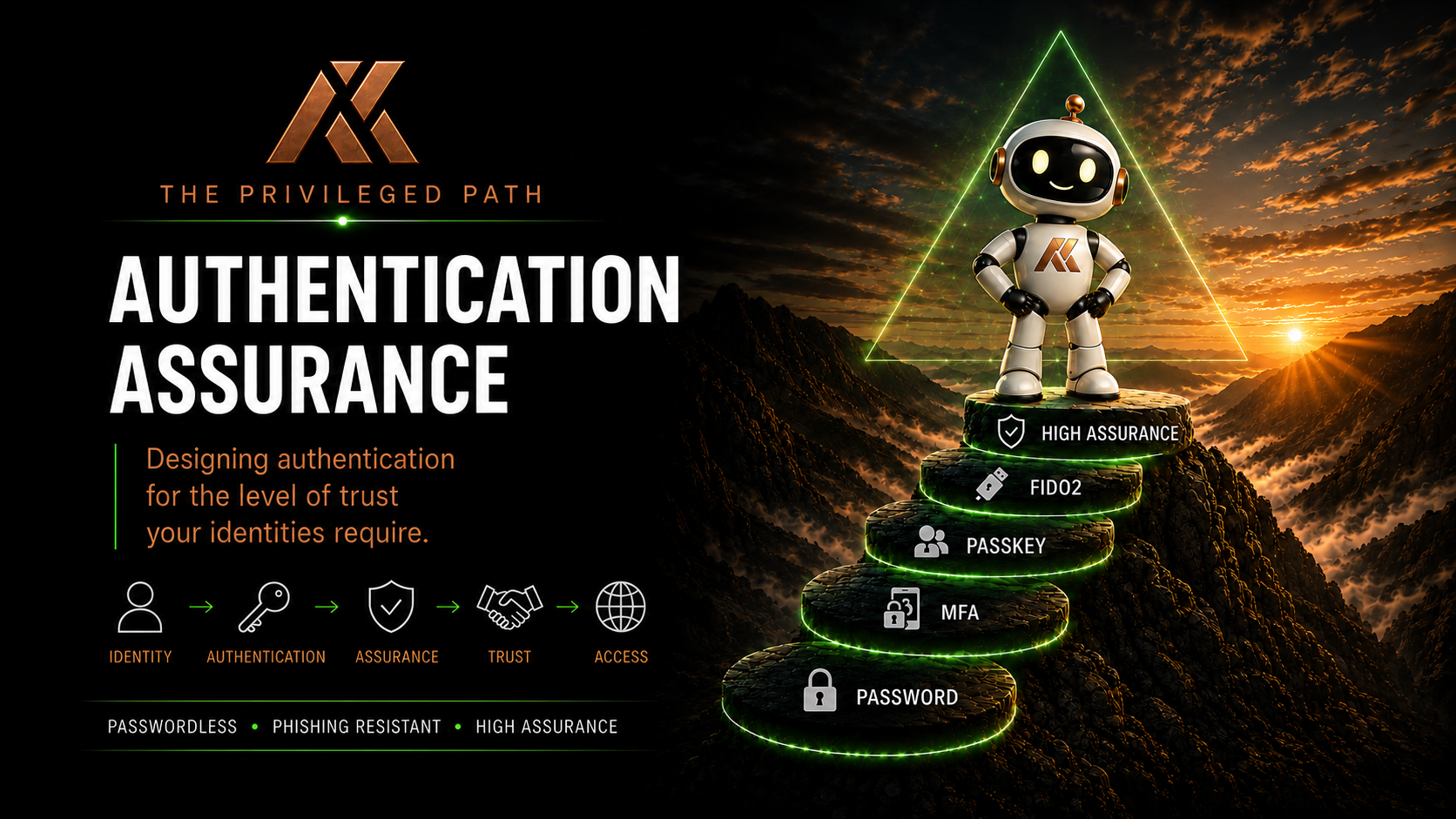
Authentication Assurance
A practical guide to modern authentication, passkeys and identity assurance for Microsoft Entra. Learn how to apply the right level of authentication to the right identities.
Welcome to the Authentication Assurance series
Authentication has changed more in the last few years than at any other point in modern identity.
We've moved from passwords to Multi-Factor Authentication, from hardware tokens to passkeys, and from trusting networks to trusting identities. Microsoft Entra now provides an incredible range of authentication methods, Authentication Strengths and Conditional Access capabilities.
But one question is often overlooked.
How much authentication assurance does this identity actually need?
A Global Administrator protecting an entire Microsoft 365 tenant has a very different risk profile from a Helpdesk Administrator. Likewise, a Helpdesk Administrator has different requirements from an everyday user.
Treating every identity the same either creates unnecessary friction or leaves your highest value identities exposed.
This series explores how to build authentication around assurance, not simply convenience.
Rather than focusing on individual technologies in isolation, we'll look at how passwords, Multi-Factor Authentication, passkeys, FIDO2 security keys, Temporary Access Pass, Authentication Strengths and Conditional Access work together to create authentication strategies that are appropriate for the level of trust placed in each identity.
What you'll learn
Throughout this series we'll explore:
- Why authentication assurance matters
- The evolution from passwords to passwordless authentication
- Why not all passkeys provide the same operational assurance
- When dedicated FIDO2 security keys should be used
- Microsoft Authenticator passkeys and where they fit
- Why synced passkeys may not be appropriate for privileged identities
- Authentication Strengths in Microsoft Entra
- Temporary Access Pass and secure onboarding
- Building phishing-resistant authentication
- Applying authentication through a Trust Level framework
A practical approach
This isn't intended to be a theoretical discussion.
Every recommendation throughout this series is based on designing and implementing Microsoft Entra security for organisations ranging from small businesses through to large enterprises, balancing security, usability, operational complexity and budget.
There is rarely a single right answer.
Instead, the goal is to help you understand the trade-offs so you can make informed decisions based on the identities you're protecting.
Authentication is only one piece of the puzzle
Strong authentication is fundamental, but it doesn't exist in isolation.
Authentication Assurance works alongside Privileged Access Workstations, Conditional Access, device compliance, Privileged Identity Management, least privilege and operational processes to create a modern privileged access strategy.
Together, these layers create confidence that privileged identities are protected against both technical compromise and operational mistakes.
The journey continues
Whether you're beginning your passwordless journey or designing authentication for your most privileged administrators, I hope this series gives you practical guidance you can apply immediately.
Modern identity security isn't about deploying the latest technology.
It's about applying the right level of assurance to the right identities.
Articles in this series
Get notified about new posts
Drop your email in and I'll let you know when there's something new — from the whole blog, or just Authentication Assurance.